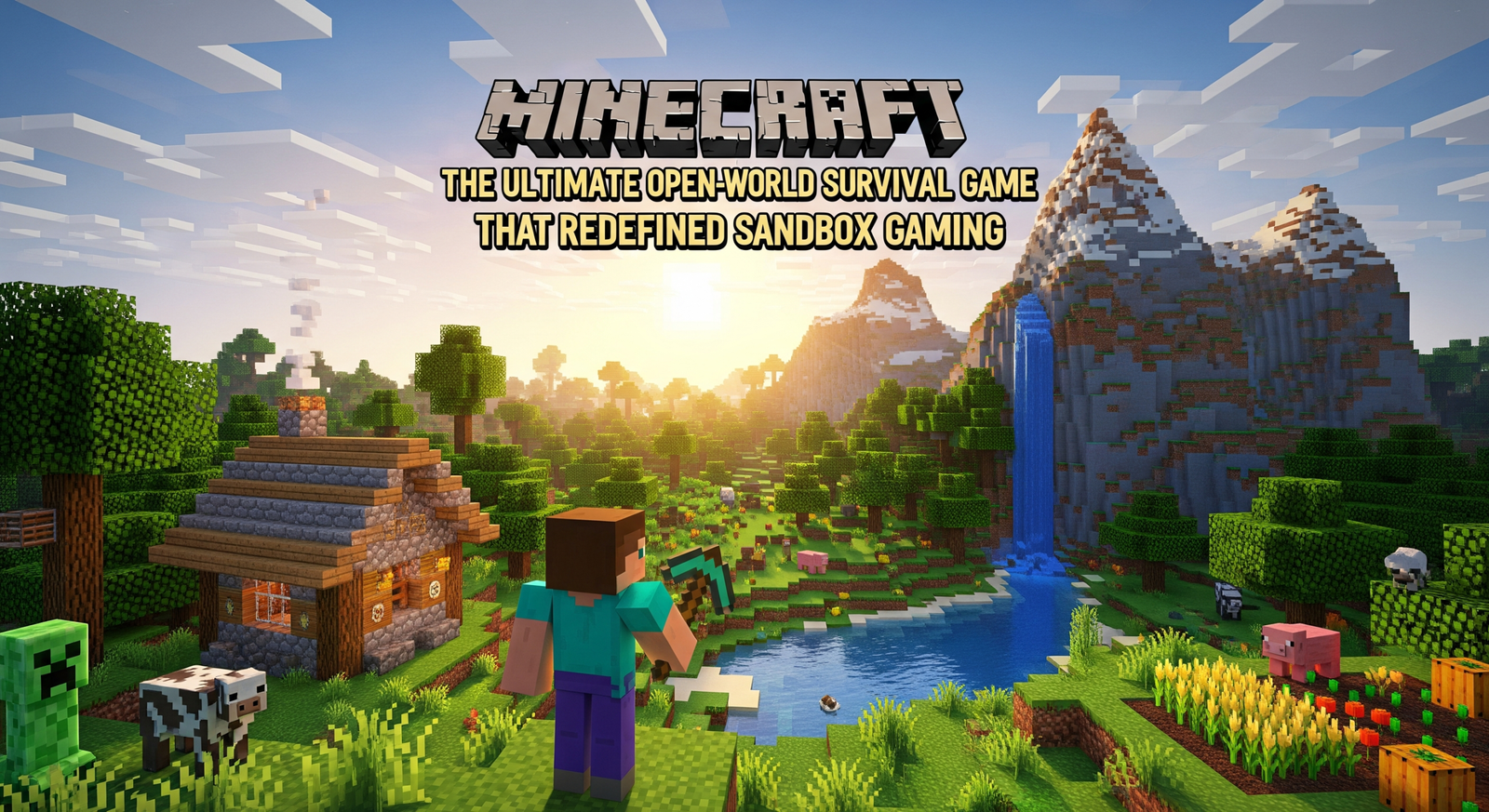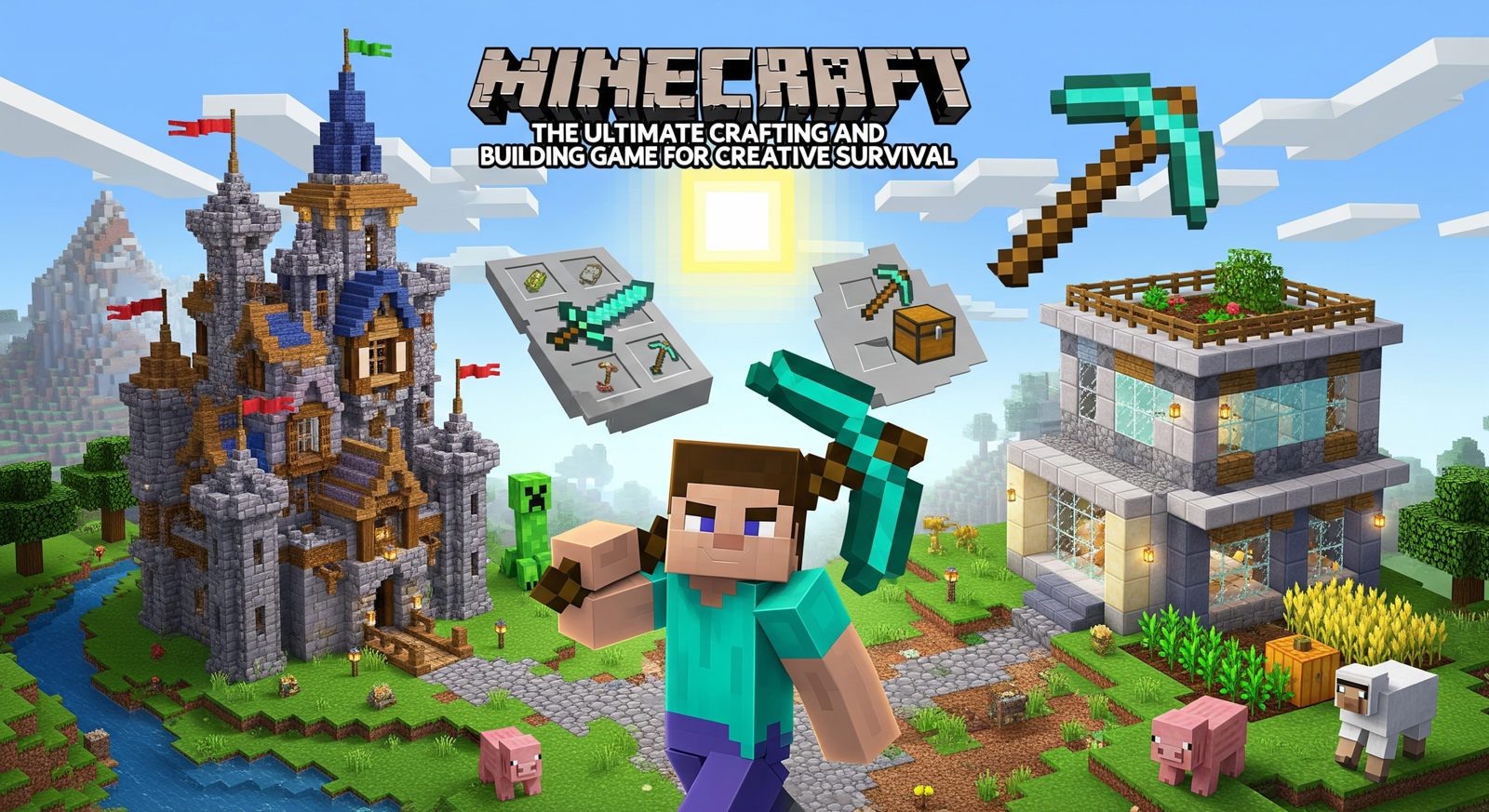
You can jump into Minecraft and start shaping a world in minutes, whether you want to survive the first night or build a castle that makes wolves jealous. Minecraft gives you simple tools that lead to endless play — mine, craft, and create however you like.
You will learn quick survival tips, creative tricks, and ways to play with friends that keep the game fresh. Expect easy wins you can use right away, surprises from updates and mods, and plenty of goofy moments while you experiment.
Key Takeaways
- Minecraft puts simple mechanics in your hands to make and explore worlds.
- Use basic crafting and building tricks to survive and build faster.
- Play solo or with friends, and add mods or updates to change the game.
What Is Minecraft?
You enter a world made of blocks where you can build, explore, and survive. You decide if you want to tinker with redstone wiring, fight creepers at night, or make a castle shaped like a taco.
Gameplay Basics
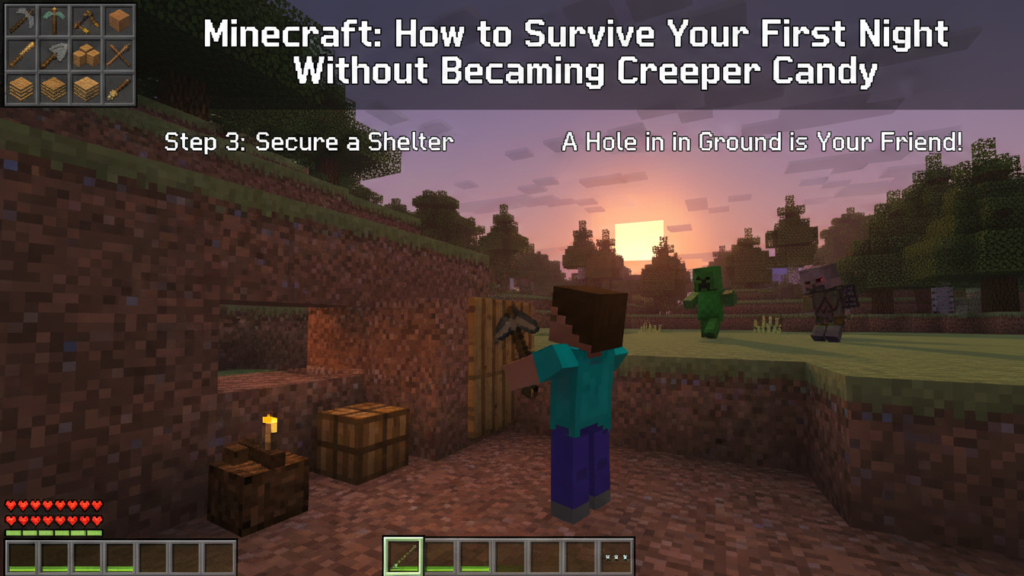
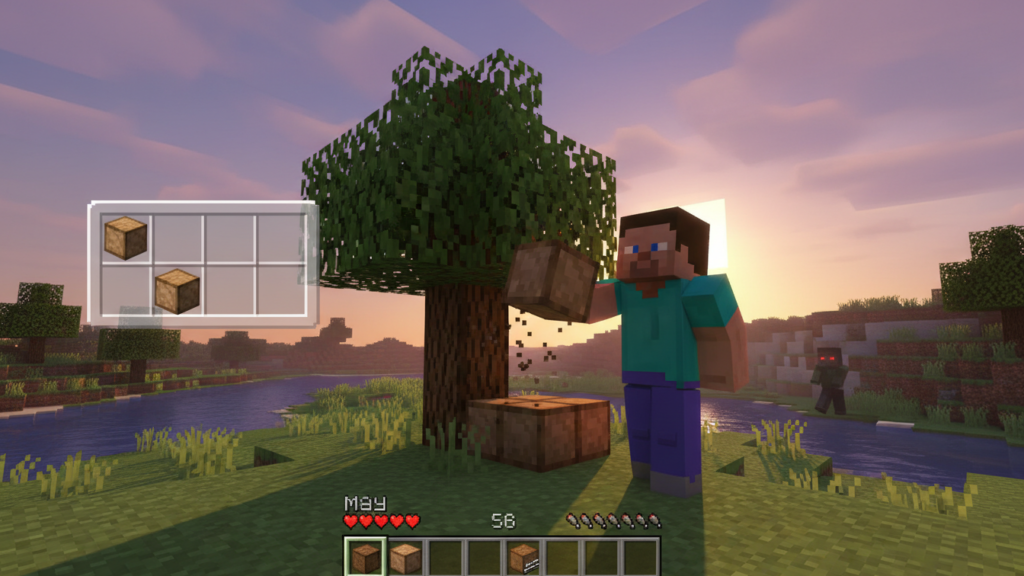
Minecraft puts you in a 3D block world where you mine resources, craft tools, and shape the environment. You start by punching trees (yes, really) to get wood, then craft pickaxes, axes, and a shelter before monsters spawn at night. Day-night cycles, hunger, and health add survival pressure if you play Survival Mode.
Creative Mode removes danger and gives you unlimited blocks so you can build freely. Adventure Mode restricts some interactions to support custom maps and puzzles. Hardcore Mode locks the game to one life and higher difficulty, so you’ll learn to worry about fall damage. You’ll also meet mobs — friendly like cows, hostile like zombies, and weird like creepers that explode when they hug you.
Platform Compatibility
Minecraft runs on many devices so your world can travel with you. Java Edition runs on Windows, macOS, and Linux and supports community mods and custom servers. Bedrock Edition runs on Windows 10/11, Xbox, PlayStation, Nintendo Switch, iOS, and Android and lets you play cross-platform with friends on different devices.
Console and mobile versions often get different menus and controls but keep core features. Performance and graphics options vary: Java offers more moddability and shaders; Bedrock gives smoother performance on low-end hardware. Check version labels before joining servers or realms so you don’t show up with the wrong edition and ruin someone’s redstone masterpiece.
Editions and Versions
Minecraft has named editions that change features, modding, and multiplayer rules. Java Edition targets PC players who want deep mod support, snapshots (early test builds), and extensive custom servers. Bedrock Edition focuses on cross-play, marketplace content, and platform parity across consoles and phones.
There are also special editions: Education Edition for classrooms with lesson tools, and legacy console editions that still exist on older hardware. Updates roll out differently: Java uses snapshots for testing, while Bedrock gets coordinated updates across platforms. Know which edition you own before buying texture packs, mods, or maps — they often aren’t compatible between editions.
Crafting and Survival Strategies
You need sharp priorities: gather the right materials, make a safe base, avoid hostile mobs, and keep food stocked. Do those things well and you live to punch more trees.
Essential Resources
Focus on wood, stone, and coal first. Chop oak or birch to get planks and sticks for tools and torches. Make a crafting table, a wooden pickaxe, and then upgrade to stone tools quickly.
Coal and charcoal power your torches and furnaces. Mine shallow coal veins or burn wood in a furnace to make charcoal. Carry at least 20 torches when exploring caves; dark spots spawn mobs.
Gather food early: kill sheep, cows, chickens, or pick apples and berries. Plant seeds to start a wheat farm; a small 9×9 plot with a water block feeds you reliably. Also collect iron—three iron ingots let you make a bucket, shears, and better tools.
Look for surface stone and exposed ores near cliffs. Bring a shield by the time you find skeletons. Always keep spare tools: one pick, one axe, one shovel.
Building and Shelter Tips
Build a starter shelter before nightfall. A 5×5 dirt or wood hut with a door and two torches keeps zombies out and keeps you alive. Place your bed inside to reset your spawn.
Light the area around your base out to at least 16 blocks. Use torches on fences, paths, and rooflines to stop mob spawns. Thatch-style roofs look nice but prioritize solid walls and at least one window so creepers don’t surprise you.
Upgrade to stone or cobblestone when you have iron tools. Add a small fenced farm and chest near the door. Keep your crafting table, furnace, and chest within arm’s reach so you don’t get trapped outside while smelting or crafting.
Build a simple lookout tower to spot villages, caves, or lava pools. If you plan to explore the Nether, make a separate small, well-lit building to store your Nether gear.
Mob Avoidance Techniques
Avoiding mobs means controlling light and sightlines. Place torches every few blocks in caves and on surface builds. Mobs spawn in darkness, so lit tunnels and fenced perimeters cut down surprises.
Use a shield to block skeleton arrows and a bow to handle distant threats. Keep your sword enchanted later, but early on a stone sword and shield will do the job. When fighting creepers, hit and step back to avoid blast range.
Know mob behavior: zombies break down wooden doors on hard difficulty, spiders climb walls, and endermen teleport when looked at. Wear a pumpkin if you plan to walk near End portals or Endermen-heavy areas, but expect reduced visibility.
Trap mobs by making a 2-block-deep trench or a mob-funnel with slabs and water currents. Lead them into pits or water channels for safe XP and drops. Always carry extra blocks to block off spawners or close gaps.
Hunger Management
Keep a steady food plan: meat for saturation, bread for ease, and cooked meals for efficiency. Cook raw meat in a furnace or smoker for faster feed and better hunger refill.
Plant an automatic or small manual farm. Wheat, carrots, potatoes, and beetroot grow fast with hydrated soil. Breed animals—two cows or pigs reproduce and supply steady meat. Chickens also drop feathers for arrows.
Carry at least six cooked meals when exploring far from base. Use bread or a cooked pork chop to recover quickly after fights. If you run low, eat apples or berries to avoid starvation damage while returning to a safe place.
Creative Mode and Building Mastery
You get unlimited blocks, flight, and instant block breaking to build without hassle. These tools let you focus on shape, mechanics, and detail to make structures that actually look like something other than a pile of cubes.
Limitless Block Structures
You can stack any block without gathering materials, so plan at scale. Start with a clear footprint: mark corners with a distinct block (glowstone or wool) and copy that outline on every floor to keep proportions right. Use scaffolding, slabs, and stairs to smooth edges—slabs let you make half-height steps and thinner roofs, while stairs create realistic overhangs and gentle slopes.
Mix three to five related block types per build: one primary for mass, one accent for contrast, and one detail block for small features like window sills or trims. Change color every few layers to break monotony. Mirror symmetry along an axis for quick, pleasing results, or use asymmetry for a natural, lived-in look. Use commands like /fill and structure blocks to replicate wings, towers, or whole floors fast.
Redstone Engineering
Redstone gives your builds life: doors, lighting, farms, and traps. Learn three core circuits first—pulse (short signal), latch (on/off toggle), and clock (repeating signal). Combine repeaters to extend signal range and add delay, and use comparators to compare container contents or build item sorters.
Keep wiring organized: route lines under floors or inside walls, and mark input/output with colored wool. Test each module separately before integrating it into large systems. For moving parts, use observers to detect block changes and pistons for motion. If you want compact designs, study tileable circuits and use droppers/hoppers for item transport instead of long minecart lines.
The Art of Decoration
Decoration turns a structure into a home. Start small: choose a color palette and stick to it for rooms. Use carpets, paintings, and banners to add texture without bulk. Place light sources like lanterns or hidden glowstone under carpets to avoid mob spawns and keep things cozy.
Add functional decor: bookshelves around an enchanting table, cauldrons in bathrooms, and furnaces in kitchens. Vary heights with slabs, trapdoors, and flower pots to create visual interest. Outside, use leaf blocks, fences, and pathways to frame the build. Remember scale—don’t cram too many details into tiny rooms; instead, use one striking feature per space.
Multiplayer Mayhem
Expect chaos, teamwork, and a lot of respawning. You’ll join servers, build with friends, and jump into fast-paced minigames that test reflexes, creativity, and patience.
Joining Servers
You pick a server by IP, Realm invite, or Marketplace add-on. Public servers list rules, player counts, and game modes — check those before you join to avoid surprise griefing or a hostile economy. Realms use invites and have simple save systems. Marketplaces and modpack launchers like Modrinth or CurseForge let you download curated modpacks or themed worlds; follow the launcher’s install steps or the server’s version notes so mods match.
When joining, set a clear username and read the server rules. Use the server’s chat and /help commands to find staff or guides. If a server needs mods, install them exactly matching the server’s versions to prevent crashes. Keep backups of your world saves if you plan long builds.
Cooperative Play
You and friends can split roles: builder, farmer, redstone engineer, and defender. Assigning tasks prevents resource bottlenecks and keeps projects moving. Use shared chests, named item frames, and permission plugins to avoid theft and confusion. Communication matters; use voice chat or in-game signs and books for plans and rules.
Automation mods (like Create-style systems) speed up resource flow and reduce grind. Set farming, smelting, and sorting systems early to free time for exploration. Establish simple rules for raiding, PvP, and resource claims to avoid arguments. Regularly save and sync maps to prevent data loss and keep everyone on the same page.
Mini-Games Galore
Mini-games range from parkour and spleef to custom PvP arenas and scripted events. Join a server lobby to browse active games, view player counts, and queue up. Popular minigames include team-based capture modes, timed build contests, and boss fights where coordination wins more than raw gear. Look for rotation boards or /vote commands to pick the next match.
Minigame servers often use plugins to manage player load, scoreboards, and kits. Learn common commands like /spectate, /join, /leave, and /kit to save time. Practice specific skills—aim for PvP, speed and timing for parkour, and teamwork for raid-style events—to increase your win rate and have more fun.
Expansions, Mods, and Updates
You can change Minecraft a lot: add new enemies, tweak survival rules, boost performance, or get official content from Mojang. Some mods overhaul gameplay; official updates add new biomes and blocks; resource packs alter visuals and sound; community creators tie it all together.
Popular Modpacks
Modpacks bundle many mods so you can jump into a themed game without manual setup. Examples include tech-focused packs (power, automation), magic packs (spells, rituals), and hardcore survival packs that raise difficulty and realism. You usually install these via a launcher like CurseForge or ATlauncher.
Modpacks manage compatibility and versions for you. They often include configs, custom quests, and tailored world presets. Expect bigger RAM needs and occasional bug fixes after updates.
If you play on a server, pick modpacks labeled “multiplayer” or check server compatibility. Back up worlds before switching packs; some mods rewrite world data.
Official Updates
Mojang releases major updates that add features like new biomes, mobs, blocks, and mechanics. Recent updates added archaeological digs, armor trims, and huge biome changes to expand exploration and building options.
They also issue smaller patches to fix bugs and improve performance. Official snapshots let you test features early, but they can be unstable.
You can follow the Minecraft update timeline to track release dates and feature lists. For stability, wait for stable releases before applying updates to long-term survival worlds.
Resource Packs
Resource packs change textures, models, sounds, and fonts without altering gameplay rules. You can switch from pixel-perfect retro packs to smooth, realistic textures. Some packs also include custom GUIs and soundtracks.
Install them in the resourcepacks folder or use the game menu. Packs often list required Minecraft versions and recommended performance settings.
Mixing resource packs works when pack authors mark compatibility. Keep a backup and test performance, since high-resolution packs need more GPU and RAM.
Community Creations
Players create maps, datapacks, skins, and small mods that add quests, dungeons, or balance tweaks. Datapacks can change recipes, mob behavior, or add whole mini-games without installing a mod loader.
You’ll find community content on sites like CurseForge and Modrinth, or in the Minecraft Marketplace for Bedrock players. Read descriptions and permissions before installing, and watch for updates when Minecraft itself changes.
If you explore multiplayer, respect the creator’s rules and credit the authors. Many creators offer installation guides, version notes, and troubleshooting tips to help you get started.